Cherry blossoms in spring, leaves in autumn.
Season Jar lets cherry blossoms drift across your Mac desktop in spring and leaves tumble down in autumn. they gather on top of your windows and by the Dock, and fireflies come out on summer nights.
macOS 14 or laterfrom $9, pay onceAll sales are final, so try the demo first.

spring
Cherry blossoms
pick Cherry Blossoms and soft pink petals drift down your desktop, behind your apps.
They gather on your windowspetals settle along the top of each window. drag it and they ride along; shake it and they tumble off.
And by the Docka soft heap builds up behind the Dock. some can settle on top of it too, if you like.
The pointer pushes themmove the pointer across the desktop and the petals drift out of its way.
autumn
Falling leaves
pick Falling Leaves and amber, red and gold leaves tumble down instead. they land on your windows and pile up by the Dock just like the petals, and blow away when you sweep the pointer past.
leaves don’t sit on snow, so switching from one to the other starts the piles over.
summer
Fireflies on summer nights
slow, blinking fireflies wander around your desktop and never get in your way. by day, with Live on, a soft golden dust drifts by instead.

live mode
Let the season decide
turn on Live and pick your town. on clear or cloudy days it chooses weather for the season. rain still rains, storms still storm. more in live weather on your Mac.

Spring
Mar to MaySep to Nov
cherry blossoms on clear days

Summer
Jun to AugDec to Feb
golden dust by day, fireflies at night
Autumn
Sep to NovMar to May
falling leaves

Winter
Dec to FebJun to Aug
snow when it really snows
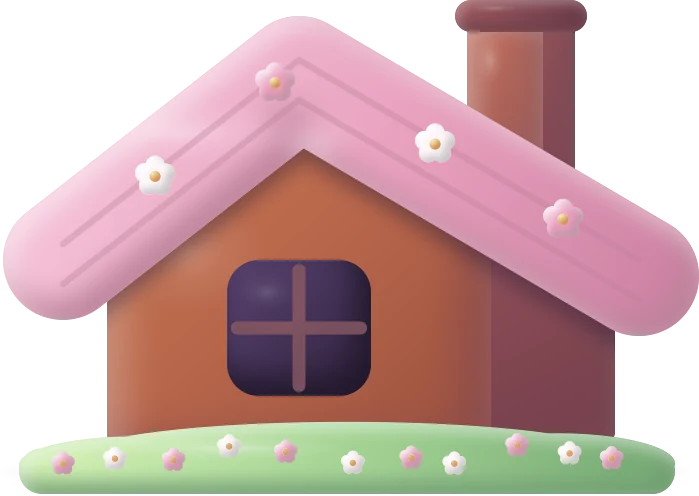
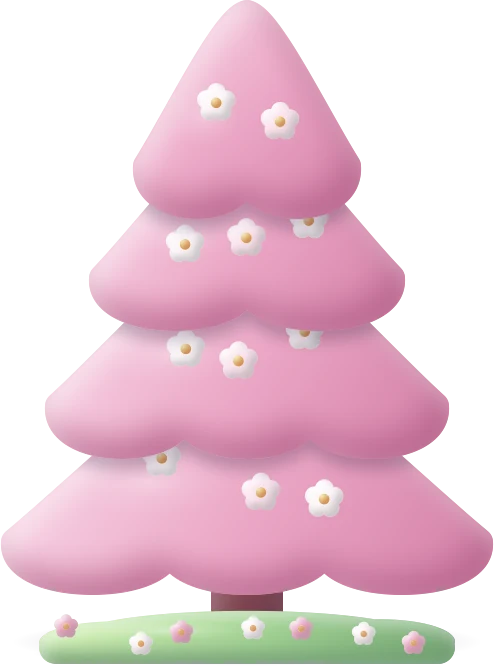
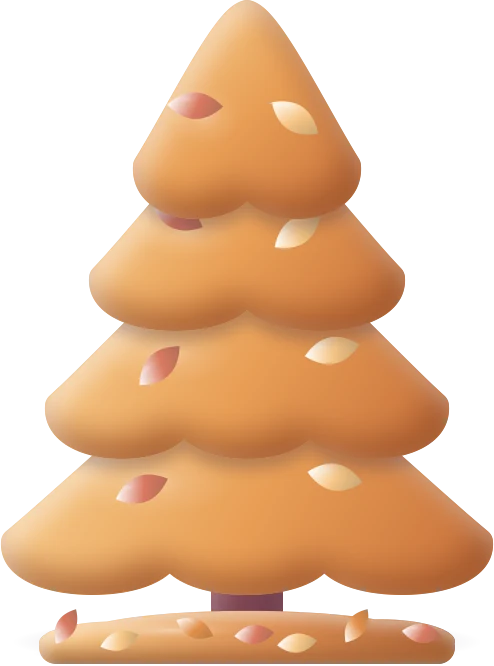
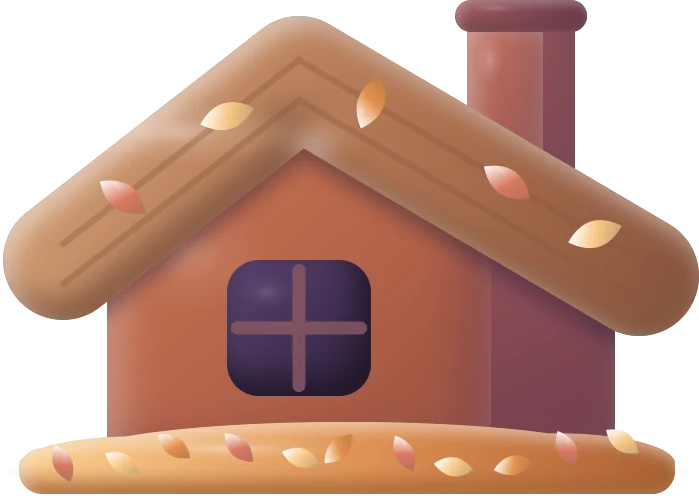
the tree and the cabin on your desktop dress for the season too: blossoms on the grass in spring, falling leaves in autumn. they’re part of the desktop toys you can throw.
to keep
Want the painting as your wallpaper?
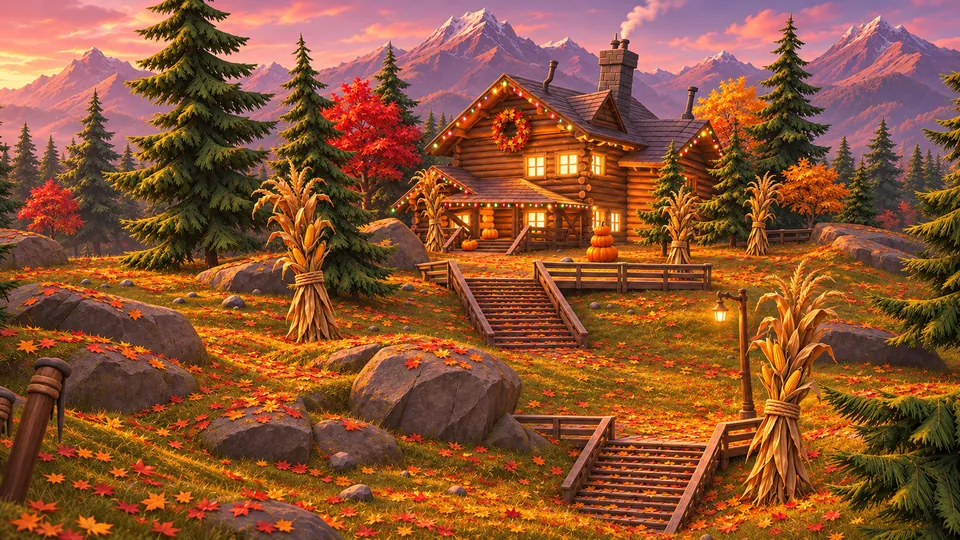
the spring and autumn cabins are two of the twenty-four wallpapers that come with Season Jar: the cabin in every season by day, at dusk and by night, at 3840 × 2160, and more paintings like them.
you don’t have to swap yours, though. Season Jar isn’t a video wallpaper: it draws its petals and leaves over the wallpaper you already have, behind your apps.
good to know
Questions
Is there a cherry blossom app for Mac?
Season Jar is one. Pick Cherry Blossoms and petals drift down behind your apps, gather on top of your windows and settle by the Dock. You can try it in the demo on the home page first.
Do the petals pile up on my windows?
Yes. Petals and leaves settle along the top edge of every window, the same way snow does. Drag the window and they ride along; shake it and they tumble off.
Can I change the color of the petals?
Yes. Each kind of weather keeps its own color, so you can make the blossoms white and the leaves gold without touching the snow. Pick a soft color, anything from the color picker, rainbow, or roll the dice.
Can I have cherry blossoms in winter?
Of course. Pick any weather you like, any time of year. Live mode is the only one that follows the calendar and the forecast.
I live in the southern hemisphere. Will I get blossoms in October?
With Live on, yes. It goes by where your town is, so the seasons flip: blossoms in your spring, leaves in your autumn.
Can I get the cherry blossom painting as my wallpaper?
Yes. The spring cabin with its blossom trees comes with Season Jar, by day, at dusk and by night, at 3840 × 2160. So does the autumn one, and a few more blossom and leaf paintings, twenty-four wallpapers in all.
Does it replace my wallpaper?
No. It draws over the wallpaper you already have, behind your apps. Twenty-four paintings come with it if you want them (the cabin in every season by day, at dusk and by night, and more), but your own wallpaper works just as well.
Will it slow my Mac down or drain the battery?
It’s built not to. It only draws while you can see your desktop: when apps cover it, everything stops except the strip by the Dock, which keeps going at a low frame rate. Nothing is drawn while your screen sleeps, it drops to 30 frames a second in Low Power Mode, and Efficiency mode in Settings keeps it there all the time if you like.
Is Season Jar out yet?
Yes. Season Jar for Mac is a free download that needs a key to run (macOS 14 or later, from $9, paid once). See the plans, or play with the demo first: there’s no trial.

Season Jar for Mac
A little spring, any time of year.
pay once, it’s yours. not sure yet? the demo on the home page runs right in your browser.
macOS 14 or laterfrom $9, pay onceAll sales are final, so try the demo first.
On Windows? It’s not out there yet, but the $5 golden ticket gets you lifetime access the day it lands.
More little guides

Snow on your Mac
snow that falls behind your apps and piles up on your windows.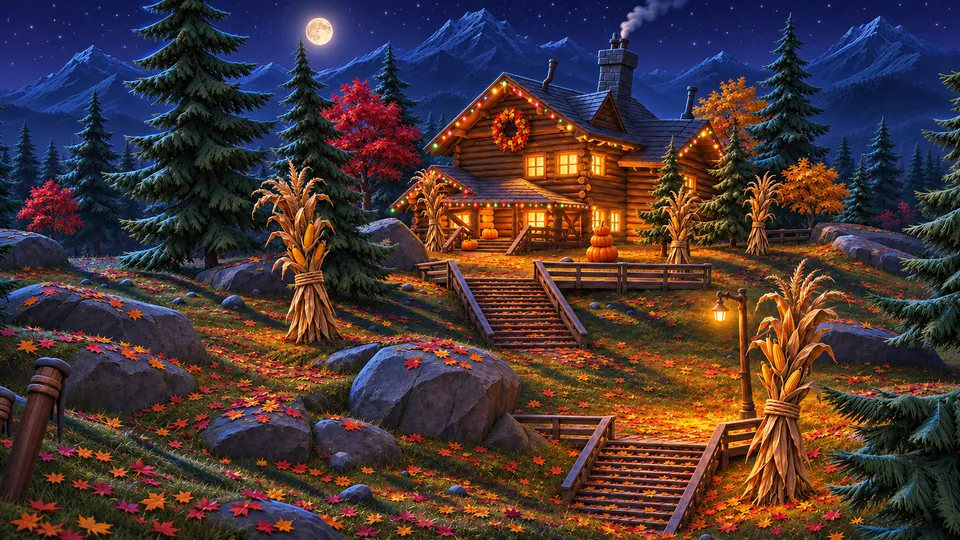
A cozy Mac desktop
a warm wallpaper, a tidy desktop and a little weather. a recipe.
Live weather on your Mac
your town’s real weather on the desktop, the temp in your menu bar.
Desktop toys you can throw
a tree, a snowman and a cabin you can pick up and throw onto your windows.Snow apps for Mac, compared
the main snow apps for mac side by side, and when another one is the better pick.
Cozy cabin wallpapers
one cabin, four seasons, by day, at dusk and by night. twelve of them, in 4K.
Updated · All guides